KalamDB Admin UI Guide
The Admin UI is served by the KalamDB server at /ui and is the fastest way to run SQL, inspect metadata, and monitor operations.
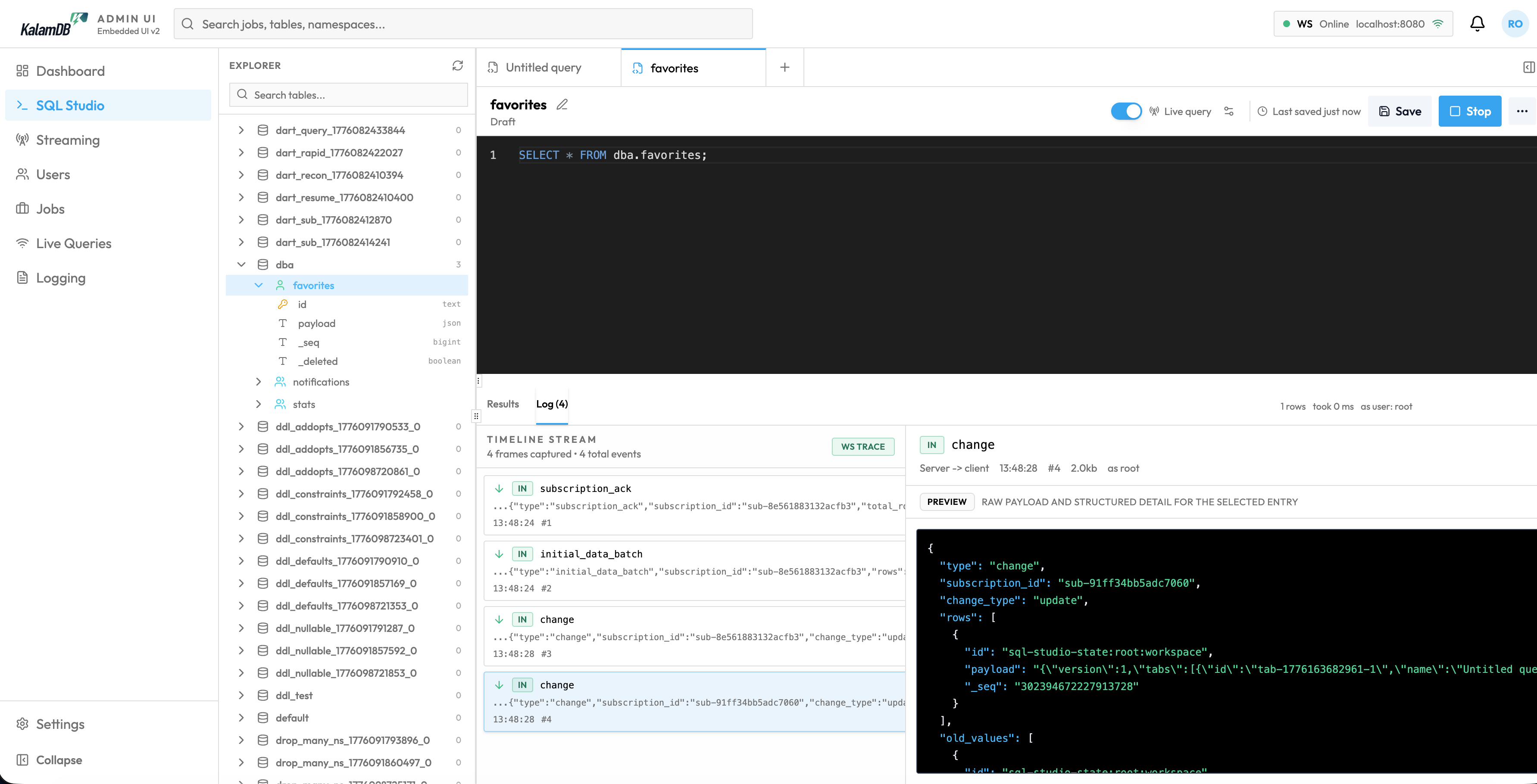
Access The UI
Open:
If server setup is not complete, finish bootstrap first from Authentication & Bootstrap.
Sign In
Use a real DBA/system account you created during setup. There is no universal hardcoded production credential.
After login, the UI stores auth state using secure cookie/token flow from /v1/api/auth/* endpoints.
SQL Studio
SQL Studio is the primary workspace:
- namespace/table explorer
- multi-tab SQL editor
- results and execution details
- schema context and recent query history
Starter query:
Main Navigation Areas
- Dashboard: health and high-level runtime indicators
- SQL Studio: query execution and schema exploration
- Create a Table: first schema workflow from SQL Studio
- Streaming: topic monitoring and stream operations
- Users: user/role administration
- Jobs: background job tracking (flush/retention/cleanup)
- Live Queries: active subscription inspection
- Logging: server/job/audit log views
- Settings: runtime configuration values exposed by the backend
For page-by-page screenshots and operational workflows, continue to Admin UI.
Practical Operator Workflow
- Check node health and queue pressure in
Dashboard. - Validate schema and data paths in
SQL Studio. - Inspect
Jobsfor flush and maintenance behavior. - Review
Live QueriesandStreamingfor realtime workload behavior. - Verify production guardrails in
Settingsbefore rollout.
Last updated on