KalamDB Admin UI Jobs
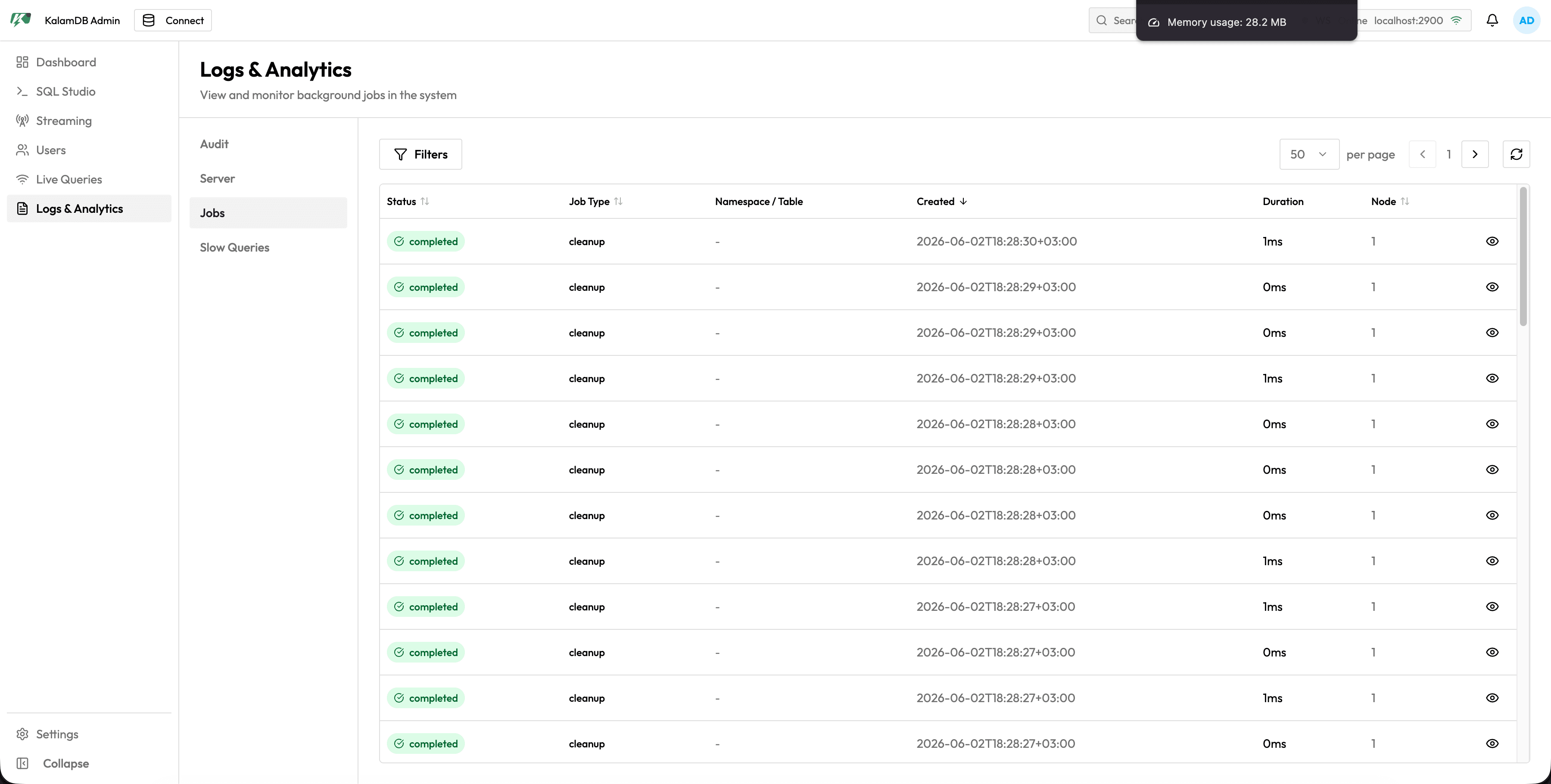
Jobs are shown inside the Admin UI Logs & Analytics workspace. The Jobs section lists background work and maintenance activity that can explain server load, storage behavior, and delayed operations.
What Jobs Shows
The Jobs section includes:
- filters panel
- page-size selector and pagination
- refresh action
- status column
- job type column such as cleanup or stream eviction
- namespace/table context when the job applies to a data object
- created timestamp, duration, and node
- detail action for opening a specific job record
Pair this section with Server logs when a job needs event-level detail.