KalamDB Admin UI Settings
The Settings page shows current-user context, runtime configuration, and operational defaults exposed by the server to authenticated administrators.
What Settings Shows
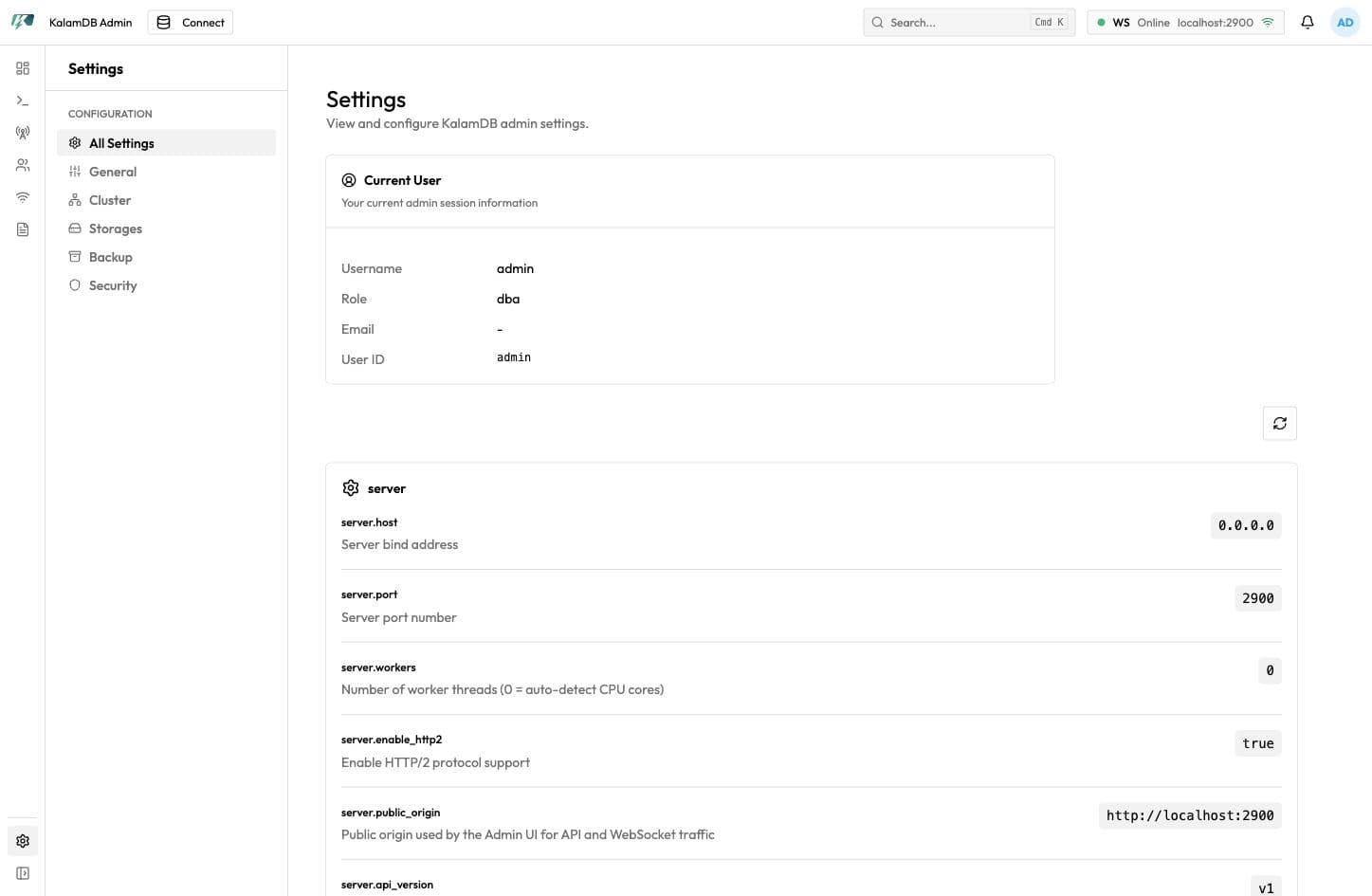
The Settings page includes a left-side settings section menu:
All SettingsGeneralClusterStoragesBackupSecurity
The main view starts with current admin session details: username, role, email, and user ID. It then groups configuration values such as server host/port/workers, public origin, storage paths and RocksDB profiles, cluster ID, DataFusion limits, query limits, logging format/path, flush defaults, manifest cache, stream TTLs, topic retention, WebSocket timeouts, and rate limits.
When To Use It
Use this page to confirm the server origin and Admin UI paths match deployment expectations, verify authentication and security posture, check storage and backup configuration, and review exposed runtime defaults before production rollout.
For the full config matrix, see Advanced Configuration.