KalamDB Admin UI Login
The KalamDB Admin UI login page uses the server authentication configuration to show local password login, OpenID Connect login, setup routing, or a combination of those options.
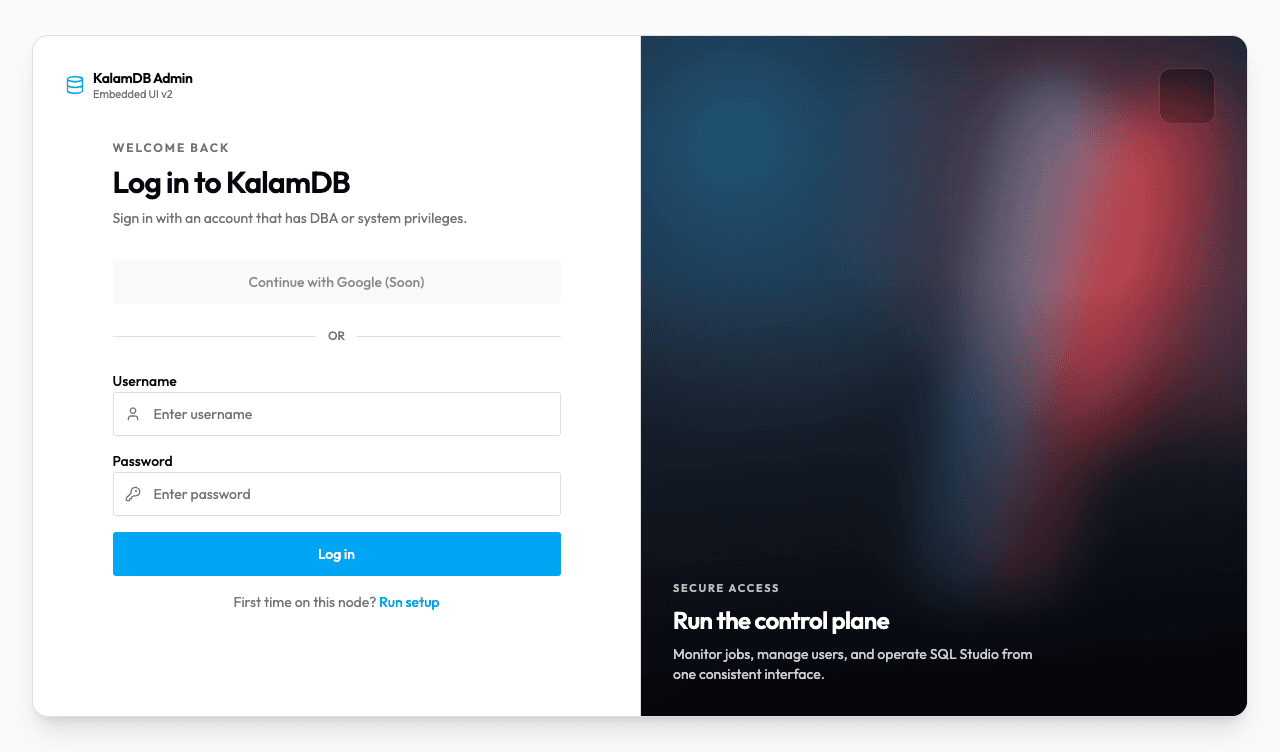
What Login Shows
The browser reads available methods from:
Depending on server configuration, the page can show:
- local username/password fields
- provider button such as
Continue with Dex - setup link for an unconfigured node
- explanatory note for local cluster scripts and root credentials
- invalid-credentials feedback after failed local login
If local auth is enabled, sign in with the DBA account created during bootstrap. If OIDC is enabled, use the configured provider button and complete the provider flow.