KalamDB Admin UI SQL Studio
SQL Studio is the Admin UI workspace for exploring namespaces, writing SQL, checking table metadata, editing schemas, and validating query results.
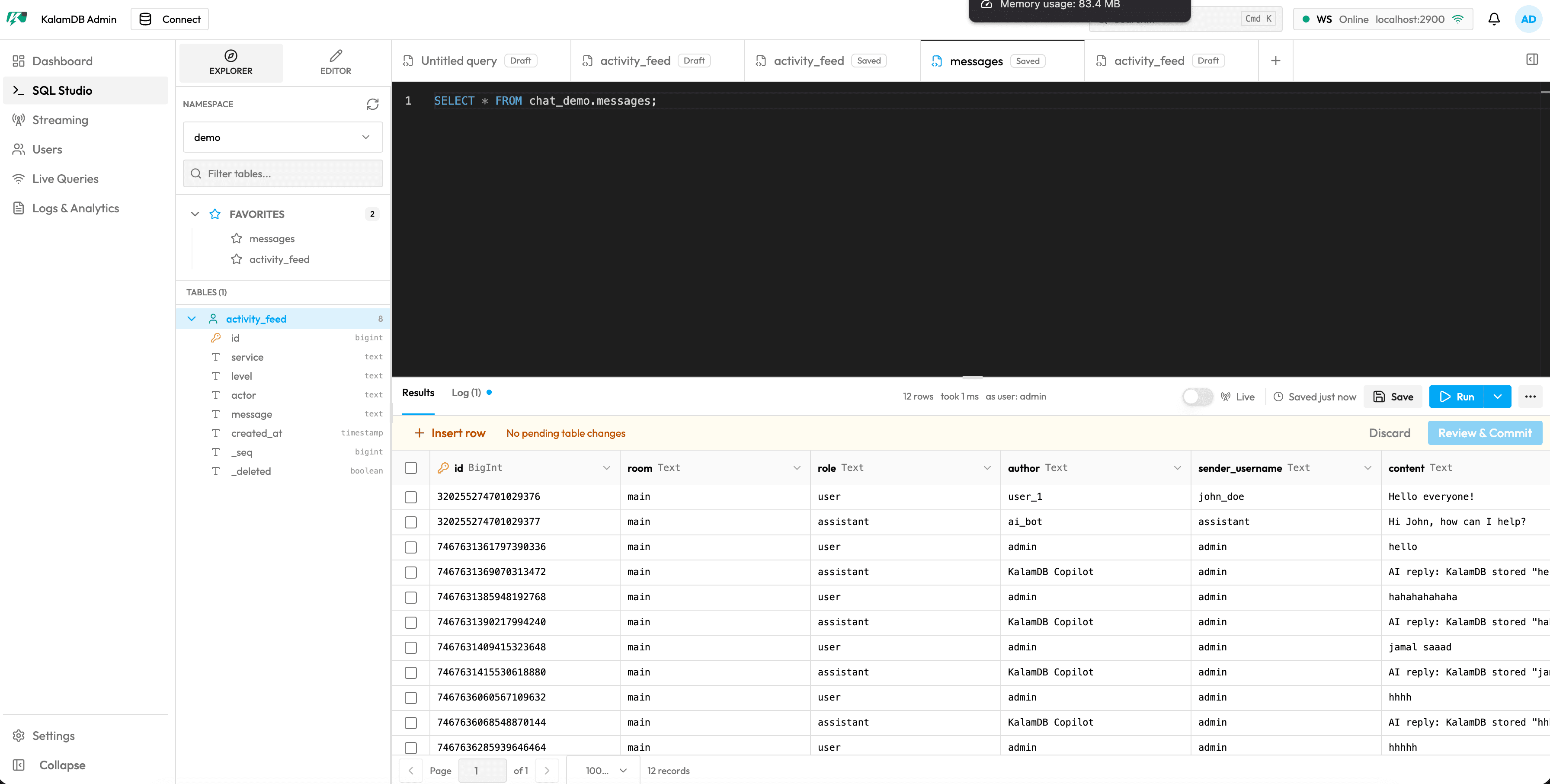
What SQL Studio Contains
SQL Studio has two main work areas:
Explorer: namespace picker, namespace create/drop actions, table filter, favorites, table list, table expansion, and table drop actionsEditor: table editor and query editor modes, saved/draft query tabs, Monaco SQL editor, results/log tabs, live toggle, save/run controls, execute options, and query actions
When a table is selected, the right pane can show metadata and editable schema fields. For new tables, the same area becomes the visual table editor described in Create a Table.
Run SQL
Start with a system query:
Then inspect the result grid and execution details.
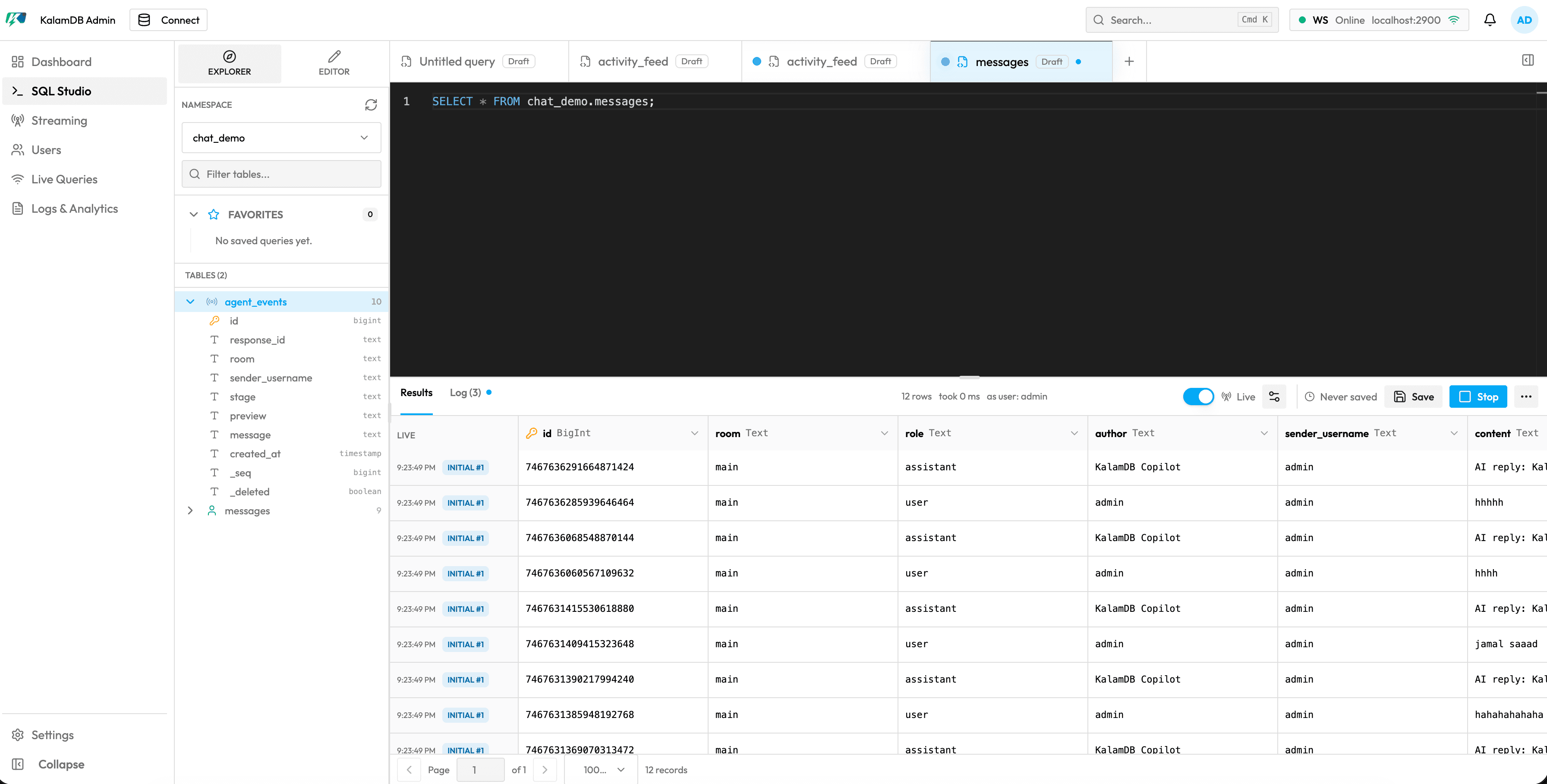
Table And Query Workflows
Use this page to:
- inspect namespaces and table columns without leaving the browser
- save and reopen common query tabs
- run SQL and review results or execution logs
- turn live mode on for realtime result updates where supported
- switch from table inspection into the visual table editor
Use Create a Table for the first schema workflow, then return to SQL Studio to query and verify inserted rows.